Sequator Procedure (PC)
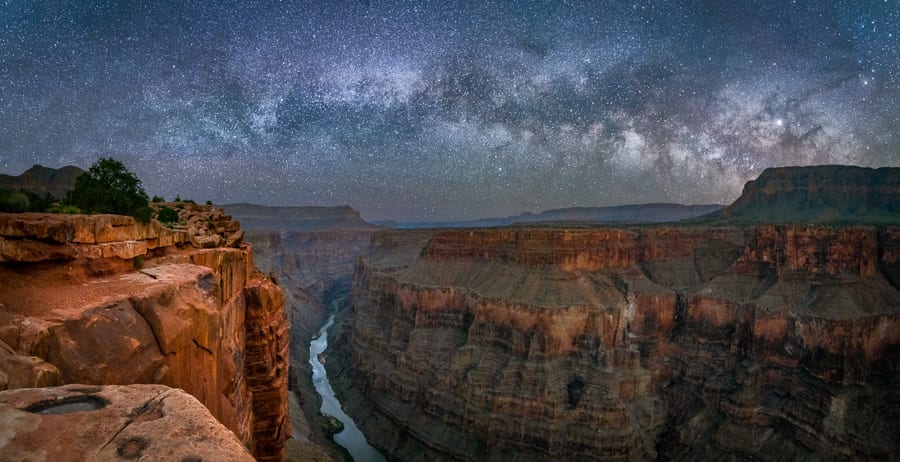
Image stacking is one of the best ways to reduce noise in high-ISO night photography while preserving detail in the stars and Milky Way. The basic idea is simple: capture a series of consecutive sky exposures with as little delay between frames as possible, then use stacking software to align the stars and blend the images together. For best results, turn off any 2-second timer delay and disable long exposure noise reduction so the camera can shoot continuously.
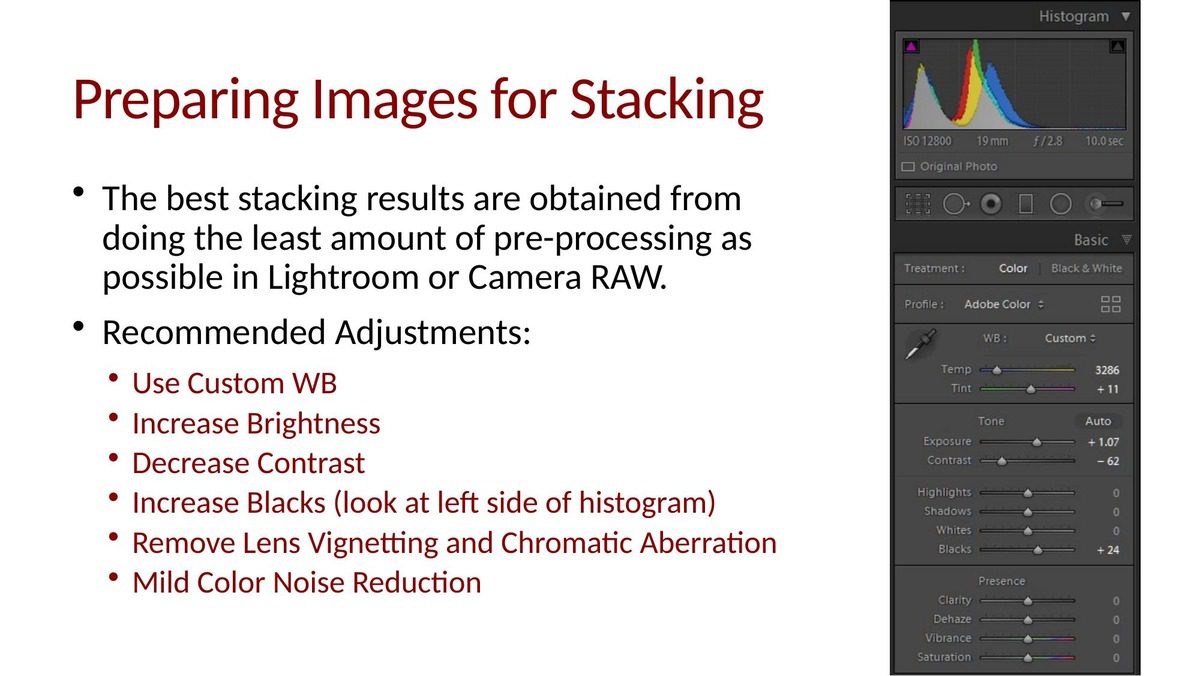
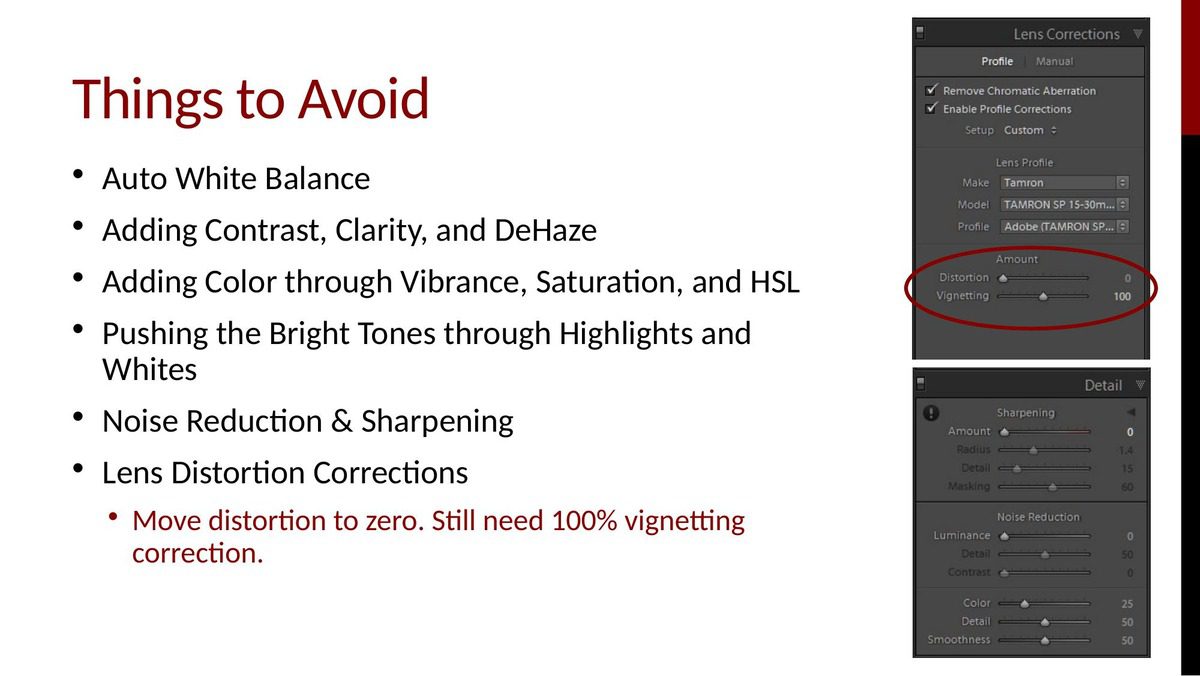
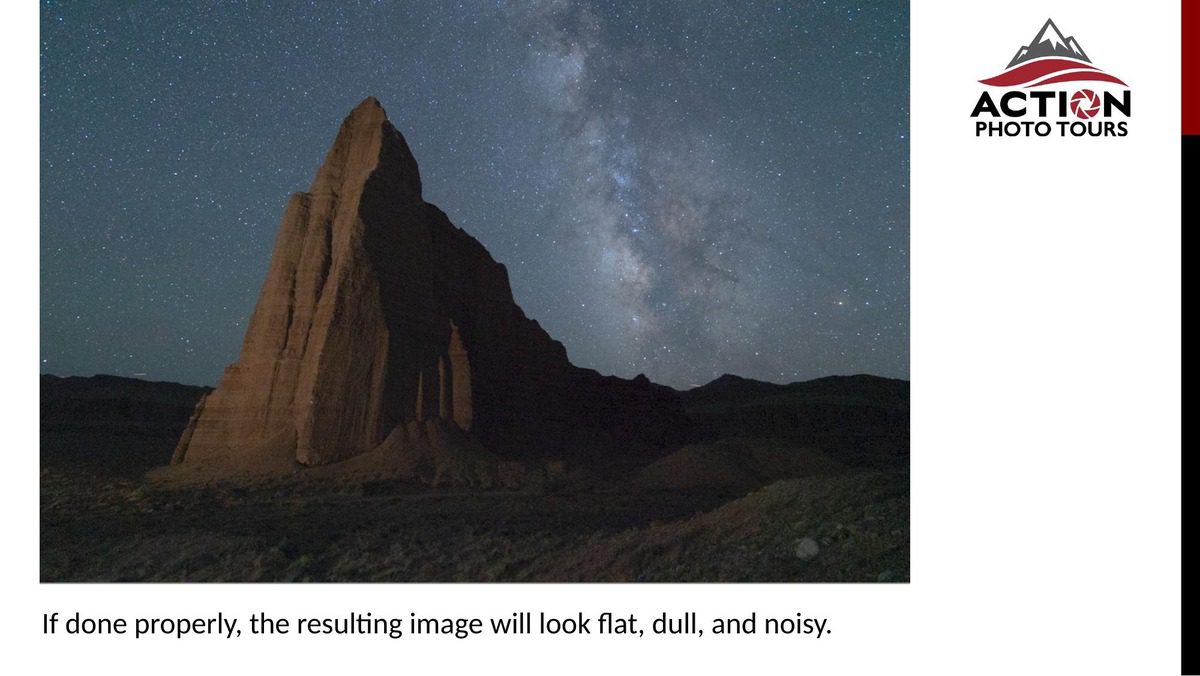
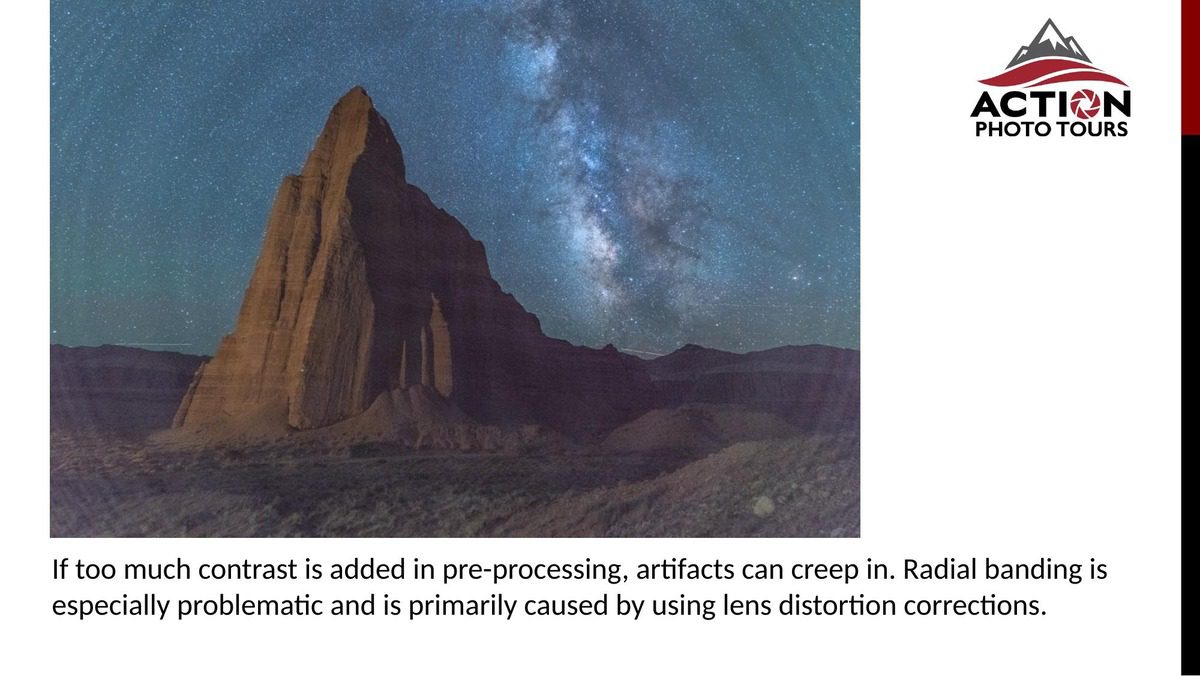
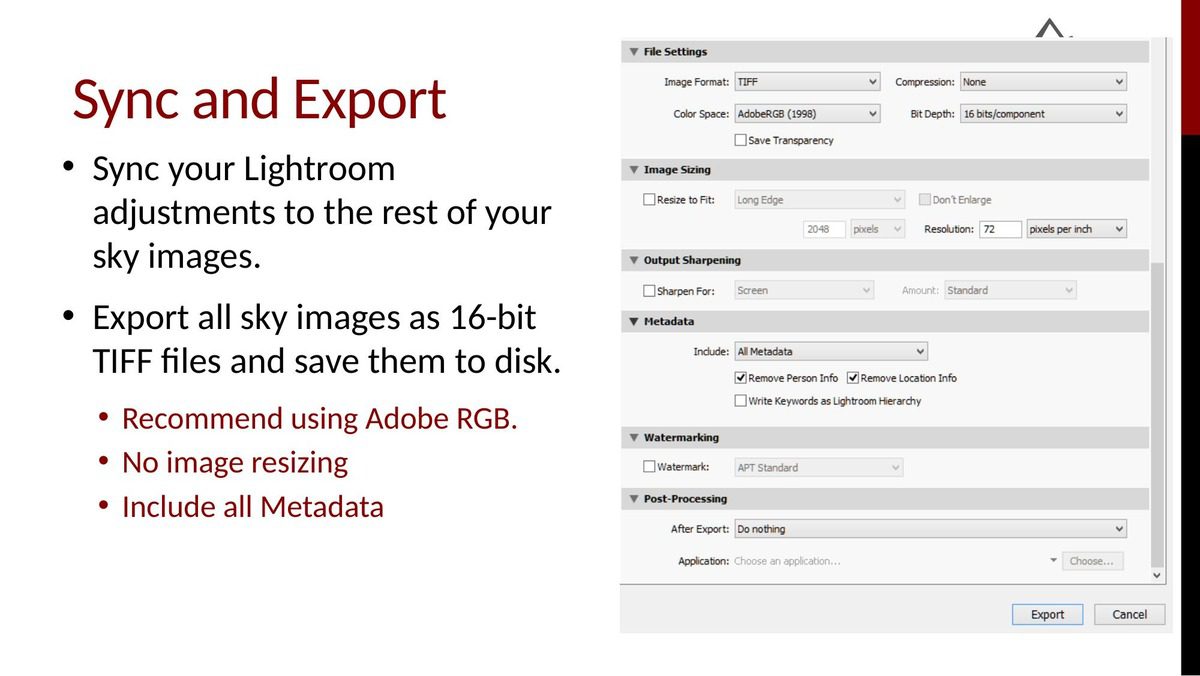
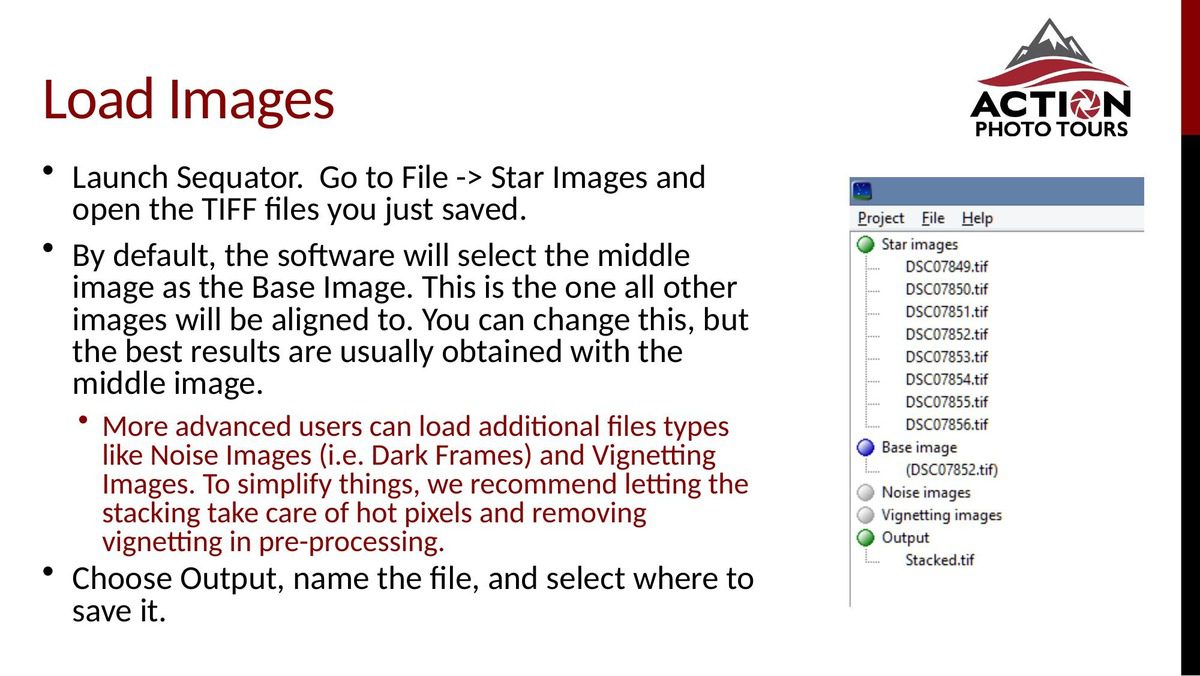
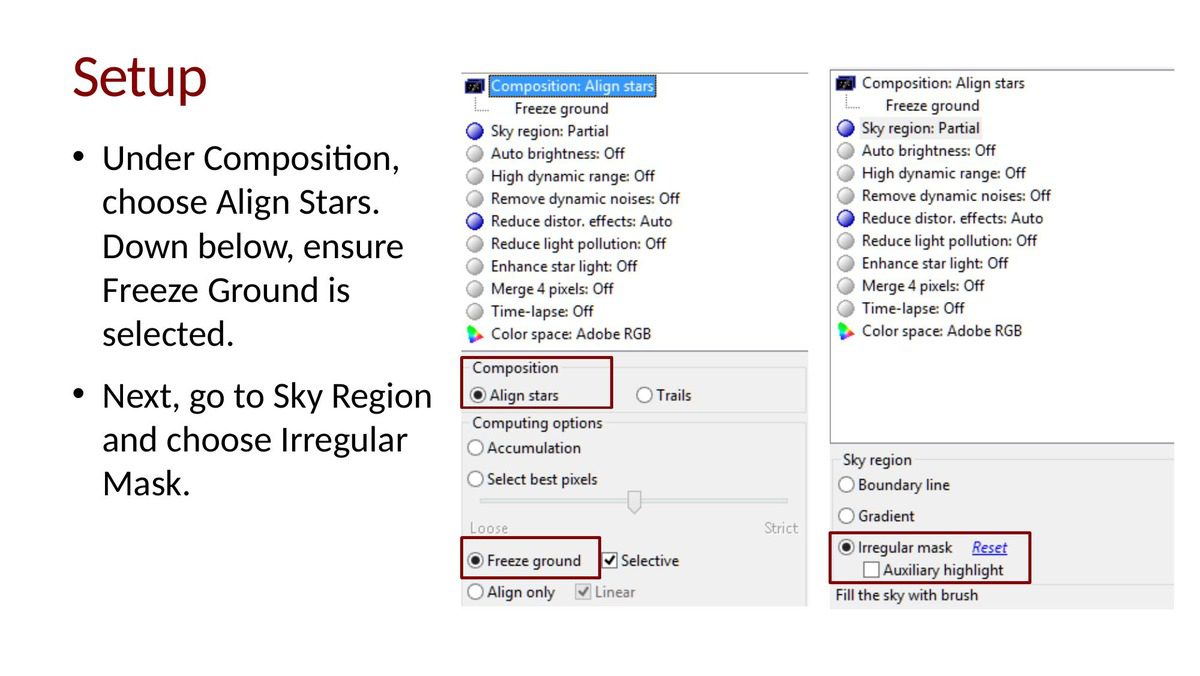
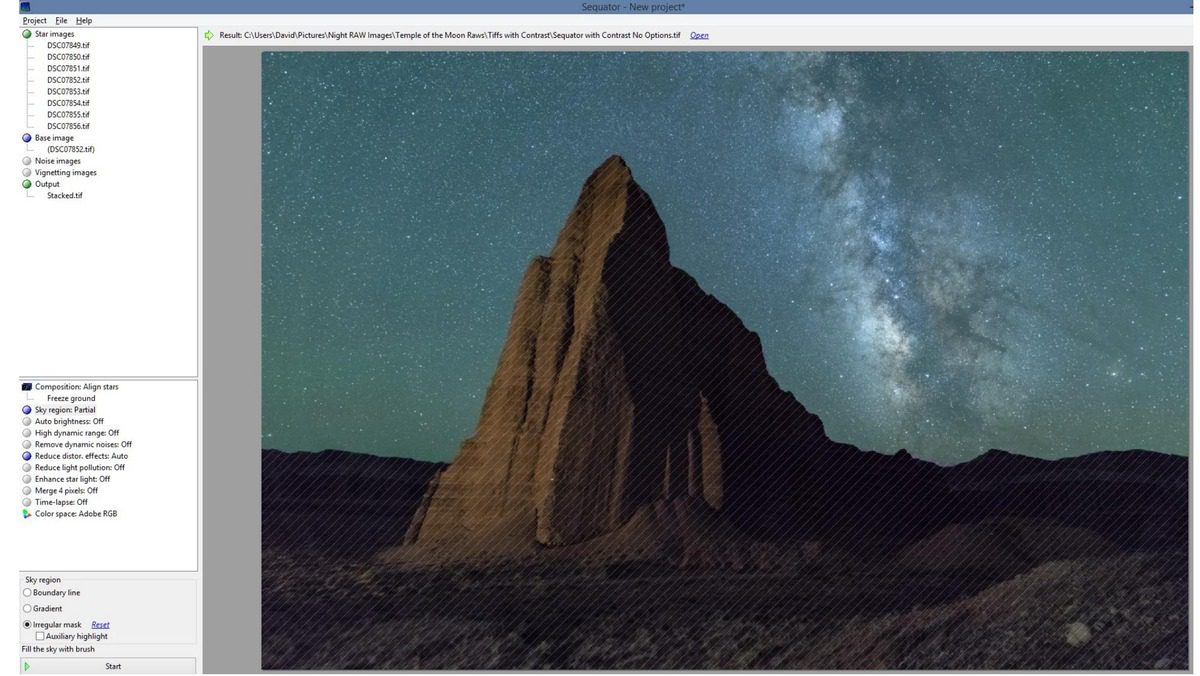
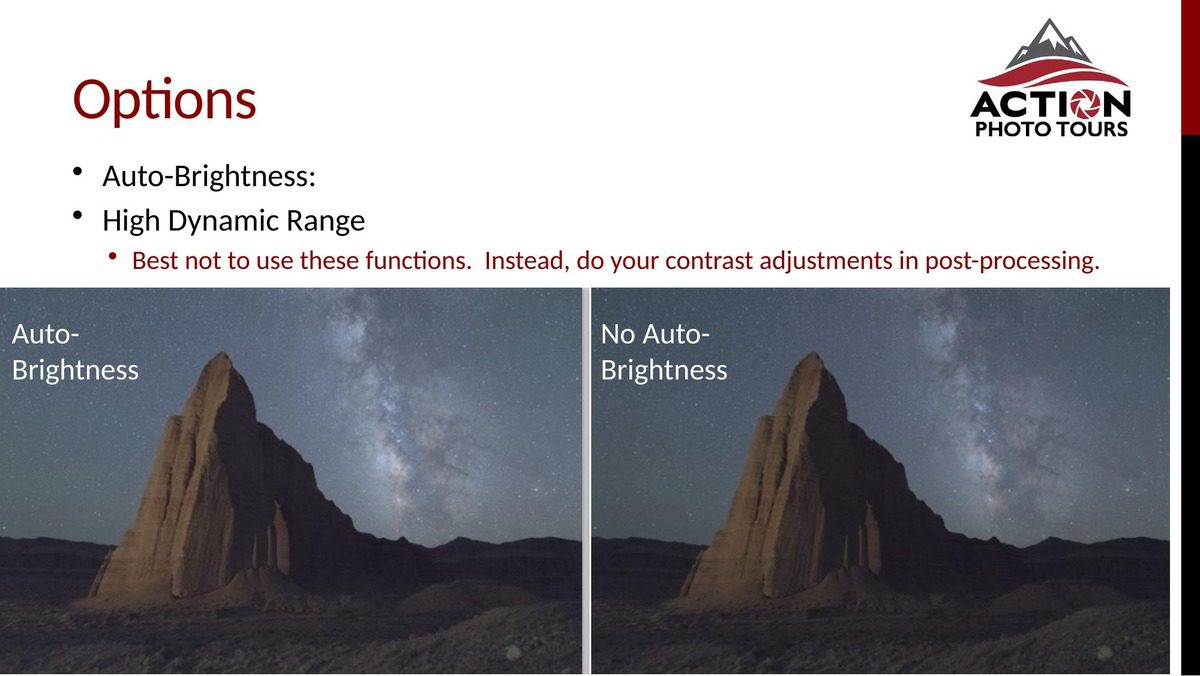
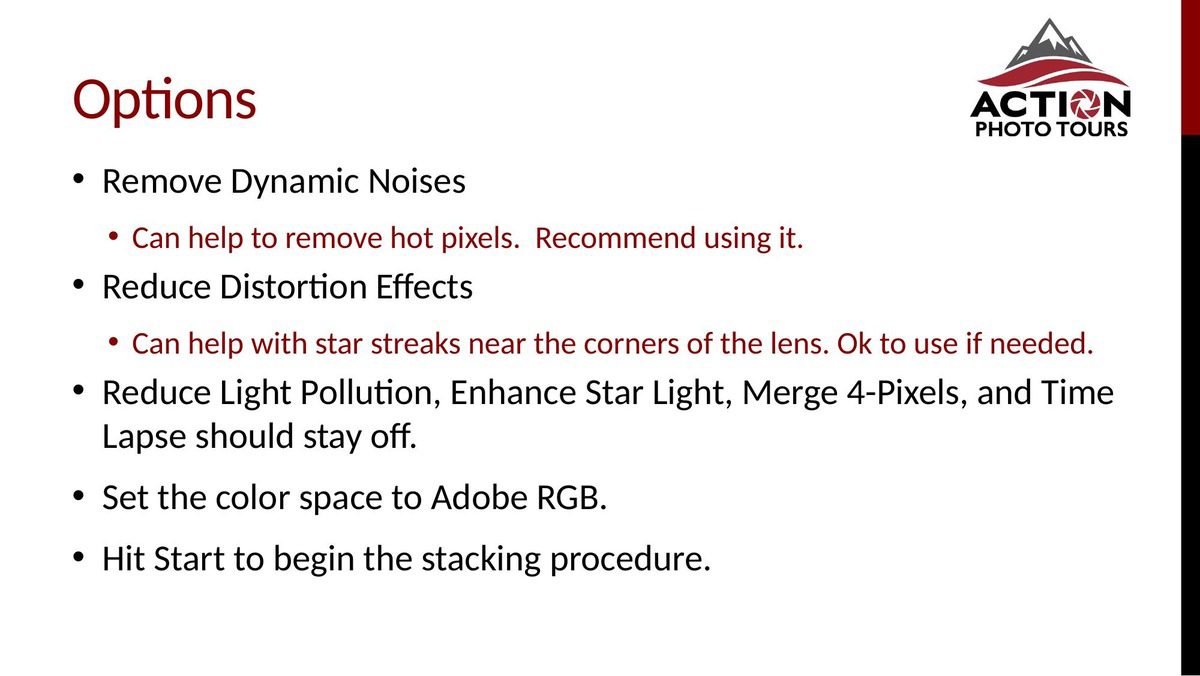
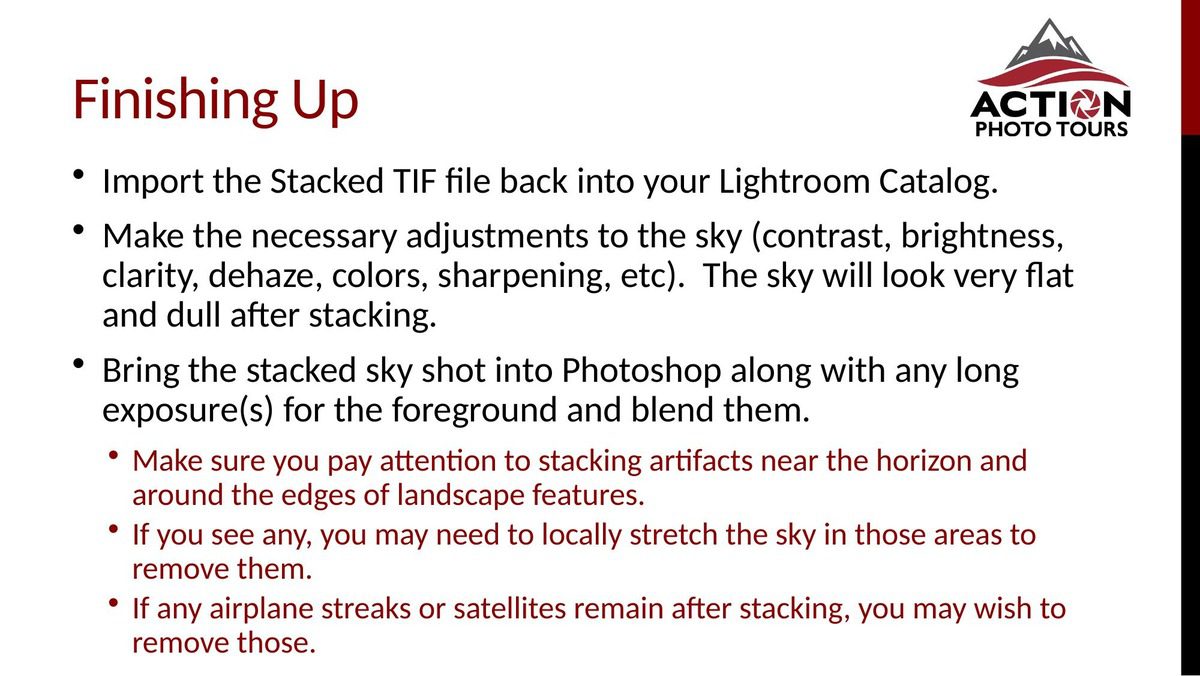
We typically recommend capturing 9, 16, or 25 frames for stacking. The level of noise reduction you get is the square root of the number of shots stacked. Once you’re back at the computer, you’ll make a few light RAW adjustments, export the files as 16-bit TIFFs, and load them into stacking software. For Windows users, our Sequator workflow below walks through the full process step by step. For Mac users, we recommend using Starry Landscape Stacker instead.
When you’re ready to put your skills to work, consider joining one of our night sky focused workshops!